


The Importance of Website Speed
Website speed plays a critical role in user experience and engagement, making it essential for businesses to prioritize speed optimization. Research demonstrates a direct correlation between loading times and visitor behavior, highlighting that even a one-second delay in page load time can lead to a measurable drop in user retention. In fact, a report by Google indicates that 53% of mobile users abandon websites that take longer than three seconds to load. This statistic underscores the urgent need for online platforms to focus on enhancing their loading speeds.
Slow-loading websites not only frustrate users but also negatively impact conversion rates. Studies reveal that delays in page loading can cost e-commerce websites a significant portion of their sales. For instance, if an online store experiences a loading delay of just 2 seconds, it can lose up to 87% of its potential customers. Consequently, website speed is not merely an aesthetic issue—it is inextricably linked to a business’s bottom line.
Furthermore, the implications of website speed extend beyond mere engagement. Search engines like Google have increasingly placed emphasis on page speed as a ranking factor. This means that a website with faster loading times is more likely to perform better in search engine results pages (SERPs) compared to its slower counterparts. Thus, optimizing speed can lead to higher visibility, increased traffic, and ultimately, better business performance.
In summary, the ramifications of website speed on user experience and retention are significant. Businesses must acknowledge that investing in speed optimization is crucial in today’s digital landscape. A website’s ability to load quickly not only enhances user satisfaction but also fosters brand loyalty and increases the likelihood of conversions, positioning companies for long-term success in an increasingly competitive online marketplace.
Identifying Performance Issues
In today’s digital landscape, the speed of a website plays a crucial role in user engagement and retention. Identifying performance issues is the first step toward speed optimization. Common indicators of a slow website include extended load times, high bounce rates, and decreased user interactions. To effectively analyze website speed, various tools and methods can be employed.
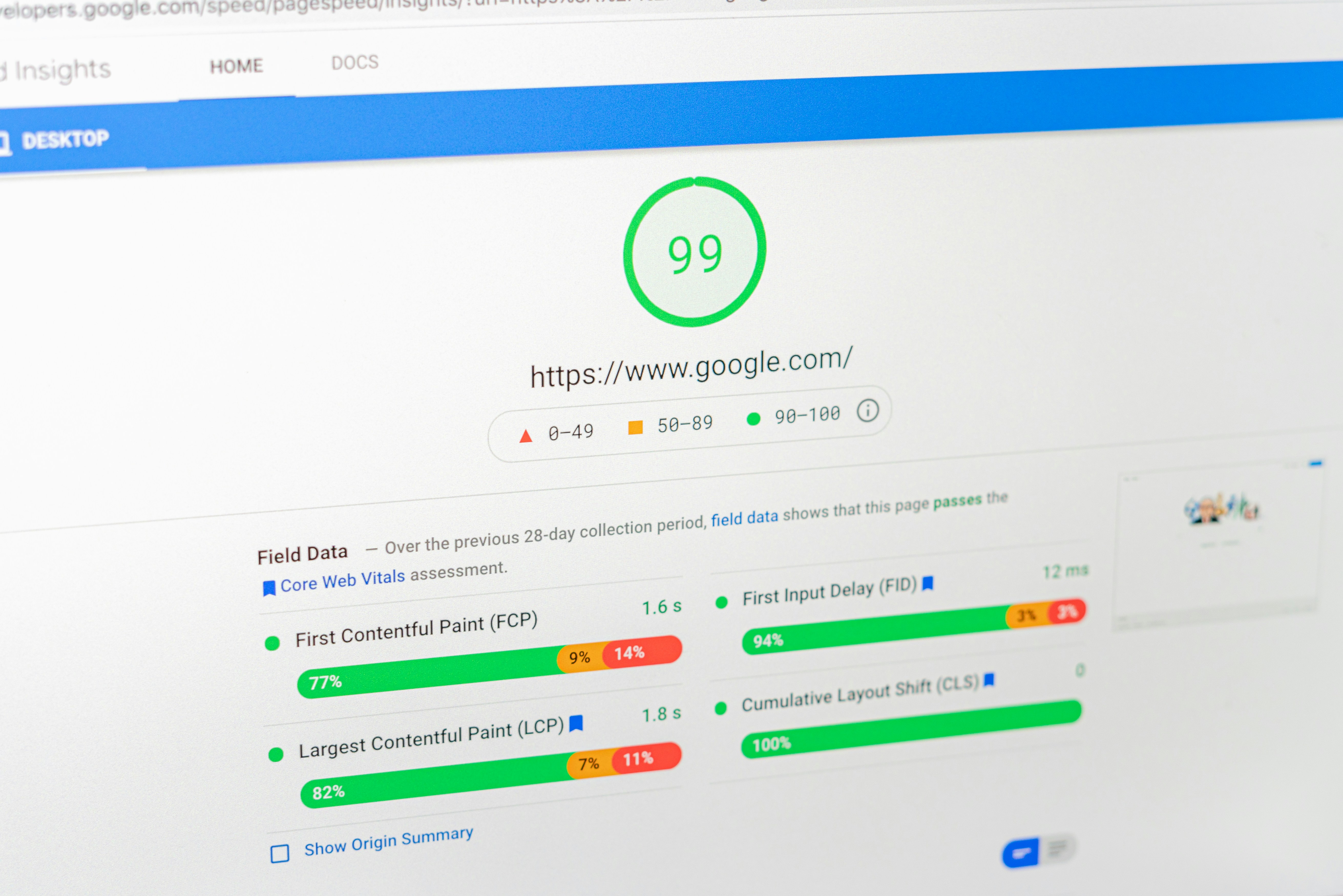
One widely-used tool is Google PageSpeed Insights, which provides a straightforward analysis and highlights specific performance metrics. This tool evaluates several factors, including rendering time, resource loading, and responsiveness, ultimately offering suggestions for improvement. Another popular option is GTmetrix, which delivers an in-depth report on page performance, allowing users to see the size and extent of their website’s resources, which can be instrumental in identifying problem areas.
Additionally, WebPageTest is another powerful resource that allows users to run tests from multiple locations and browsers, providing a comprehensive overview of load times and performance bottlenecks. Issues often stem from large images that are not properly optimized for web use. When images are too large, they can significantly increase page load times, creating a poor user experience. Utilizing tools like TinyPNG or ImageOptim can help compress images without compromising quality.
Furthermore, excessive HTTP requests can hinder performance. Each request for resources such as CSS, JavaScript, and images adds time to page loading. Reducing the number of requests by combining files or utilizing asynchronous loading for JavaScript can alleviate this issue. Unoptimized code, especially in CSS and JavaScript, can also slow down website speed. Conducting a code review can help identify and rectify inefficiencies. By employing these tools and methods, website owners can gain valuable insights into their site’s performance and effectively address any issues they discover.
Steps to Optimize Website Speed
Website speed is a critical factor that directly impacts user engagement and overall website performance. To effectively enhance website speed, several optimization techniques can be employed. These practices not only improve loading times but also contribute to a better user experience.
One of the foundational steps in optimizing website speed is to focus on image compression. Large image files can significantly slow down page loading. By using tools or software that compress images without compromising quality, website owners can greatly reduce file sizes, leading to more efficient loading times. Adopting formats such as WebP or SVG for images can also yield significant improvements due to their high compression rates.
Minimizing file sizes for CSS, JavaScript, and HTML is essential in achieving accelerated website speed. This can involve removing unnecessary characters, comments, and whitespace from these files. Utilizing tools such as minifiers can automate this task, ensuring that files remain functionally intact while becoming more lightweight.
Implementing caching strategies also plays a vital role in optimizing website speed. By storing frequently accessed data temporarily, browsers can quickly serve content to users without needing to reload it from the server. Techniques such as browser caching and server-side caching can dramatically enhance loading speeds, particularly for returning visitors.
Lastly, optimizing server response times is crucial. If the server takes too long to respond, users will experience delays regardless of other optimization efforts. Using fast hosting services, employing content delivery networks (CDNs), and optimizing database queries can help reduce server response times, leading to an overall faster website.
By following these actionable steps—compressing images, minimizing file sizes, implementing caching strategies, and optimizing server response times—website owners can achieve significant enhancements in website speed, fostering improved user engagement and satisfaction.
Choosing the Right Optimization Package
Website speed optimization is fundamental for retaining user engagement and ensuring a seamless online experience. When considering the different optimization packages available, it’s important to evaluate them in light of your specific needs and objectives. Three primary packages are often offered: Starter, Growth, and Authority.
The Starter package is ideal for individuals or small businesses that are just beginning their online presence. This package typically includes essential elements such as basic caching, image optimization, and automated script minification. These features are essential for improving the loading speed of simple websites without extensive technical jargon. If your website is relatively new or not yet attracting significant traffic, this package provides a cost-effective solution to enhance performance.
Next, the Growth package caters to businesses that are experiencing increasing levels of traffic and need more advanced optimization strategies. Alongside the features offered in the Starter package, the Growth package often includes advanced server configuration, content delivery network (CDN) integration, and performance monitoring tools. These additions are designed to better manage higher traffic volumes and ensure a consistently fast user experience, making it suitable for medium-sized enterprises or those expecting uptrends in their online engagement.
Finally, the Authority package targets larger organizations or websites that require comprehensive optimization solutions. This package includes all features of the Growth package, plus dedicated resources for optimizing complex architectures, tailored optimization strategies, and priority customer support. Organizations focused on establishing themselves as leaders in their fields or dealing with a large-scale user base would benefit significantly from this approach.
By understanding the differences and intended applications of these optimization packages—Starter, Growth, and Authority—you can better determine which option aligns with your needs, ensuring an effective journey towards enhanced website speed and user satisfaction.